Names and semantics
Check agreed forms, controls, headings, and regions for accessible names, relationships, and appropriate semantics.
Make access part of your release checks.
QA Bolt accessibility testing connects automated checks, keyboard navigation, focus behavior, and actionable findings to your regression workflow.
Real QA expertise. Practical answers. No sales pitch.
Accessibility regressions can hide in otherwise functional interfaces: a dialog loses focus, a field has no accessible name, or an error cannot be understood without color. QA Bolt helps scope accessibility checks around important user journeys, connecting findings to requirements and defect ownership. Automated rules provide one layer of evidence; they do not replace manual evaluation or establish complete accessibility conformance.
Check agreed forms, controls, headings, and regions for accessible names, relationships, and appropriate semantics.
Exercise navigation, dialog entry and exit, visible focus, and expected keyboard interactions for scoped journeys.
Review contrast, error presentation, target sizing, and supported zoom or viewport behavior against agreed criteria.
Connect reproducible findings to components and owners, then rerun checks after changes rather than treating a scan as the final outcome.
QA Bolt combines engineering, governance, and intelligence. Checks are connected to expected behavior, defect ownership, and the decisions your team needs to make.
Build repeatable checks for the agreed workflows and environments. Keep data and execution setup explicit so results are reproducible.
Link scenarios to requirements and findings to responsible owners. Preserve scope and evidence rather than hiding gaps behind a pass rate.
Review coverage, risk, and release readiness alongside results. Use findings to prioritize additional work rather than treating the suite as finished.
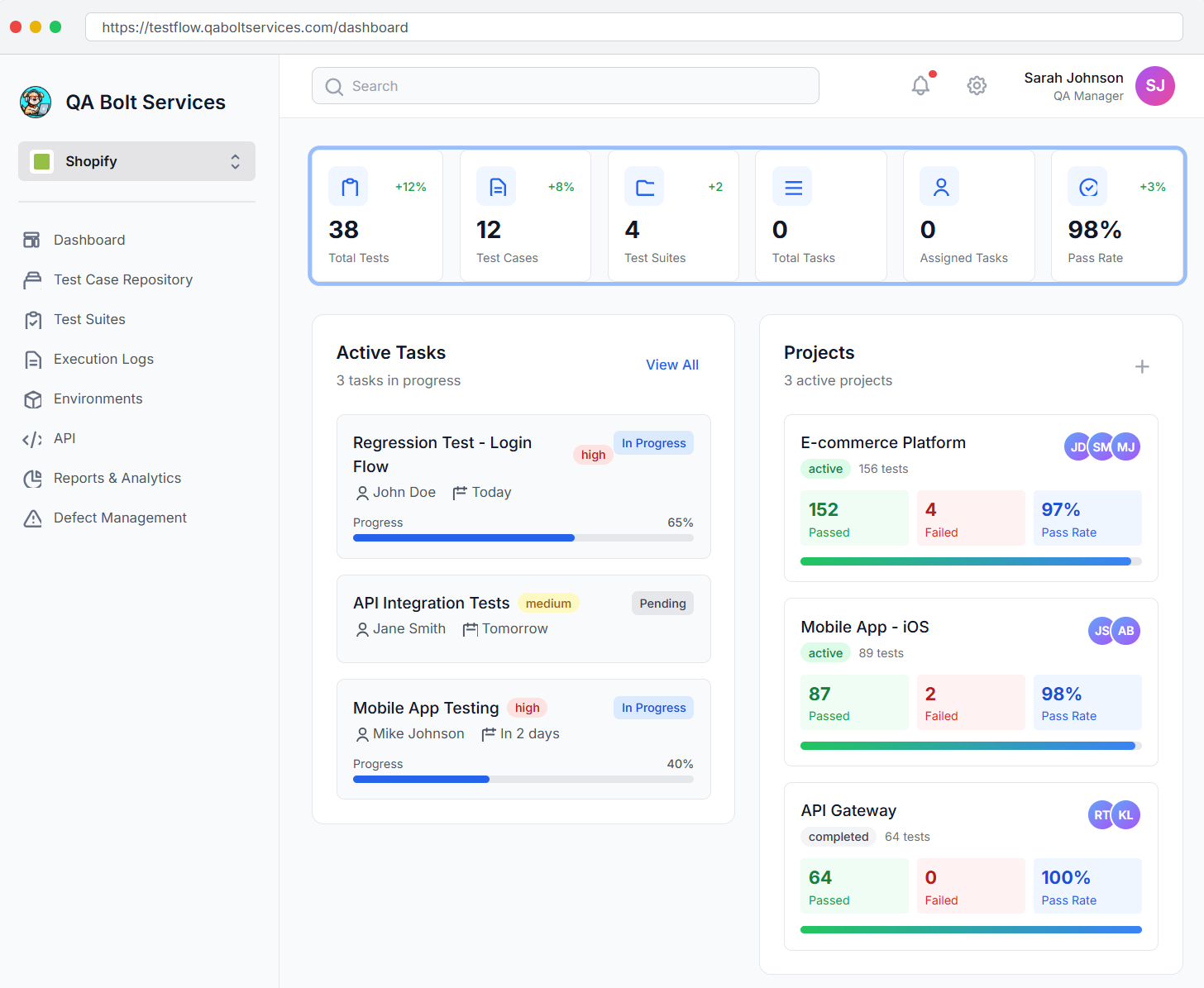
A useful testing engagement starts with predictable environments, testable expectations, and a clear definition of what the results can establish.
Agree the WCAG version, conformance level, and priority journeys.
Define browser coverage, automated rule tooling, and any manual or assistive-technology review.
Identify remediation owners and the evidence needed to verify fixes.
Automated accessibility checks cannot prove full WCAG conformance or legal compliance. Screen-reader evaluation, specialist audits, remediation, and formal conformance documentation require explicit scope. No ADA, Section 508, or WCAG certification is promised.
No. Automated rules find a subset of accessibility issues. Keyboard behavior, context, usability, and assistive-technology interactions can require human review. Compliance decisions require the appropriate specialist assessment.
The version, level, applicable criteria, and evaluation approach must be agreed for your application. A general accessibility engagement does not imply coverage of every criterion or a formal conformance statement.
Yes. Scoped automated and keyboard checks can be connected to recurring regression. Manual review and remediation responsibilities should remain visible rather than being reduced to an automated pass indicator.
Bring critical workflows, expected behavior, current tests, builds or environment access, and delivery constraints to a conversation with a QA engineer. The agreement defines which scenarios, platforms, integrations, and specialist checks are included before implementation.
No blanket inclusion is implied. The published 120-day transformation commits to 200 automated regression tests in the first 30 days. Specialist work and additional requirements must be scoped. Customer-owned assets, 24/7 unlimited maintenance, and a 0% customer-visible flake guarantee apply to the agreed engagement, not a universal coverage percentage or fixed resolution-time SLA.
Discuss accessibility testing, your application constraints, and the evidence your team needs before release.
Talk to a QA Engineer